
A live quiz for a full hall, on the big screen
Hundreds of phones on one Wi-Fi, a projector, a sound system, perhaps people following from elsewhere. QuizDock’s server sets every start and deadline, the projection carries the sound, and one room has been measured with 1500 simulated players. Here is what holds, under which conditions, and what has not been tested.
Will one room hold a thousand players?
It has held 1500 simulated players without losing an answer. Measured on 2026-09-27: backend on one 2.1 GHz core, players simulated on the same machine over loopback, no media, every player answering a single-choice question within 3 seconds, one run per step.
| Players in one room | Answer acknowledged, p95 |
|---|---|
| 300 | 7 ms |
| 700 | 18 ms |
| 1000 | 29 ms |
| 1500 | 61 ms |
At 1000 to 1500 players, each question reached every player within 60 to 80 ms of the others (p95). Not measured: media, a real Wi-Fi, more than 1500 players. QuizDock runs on one server, with no spreading over several. The sizing guide suggests 2 vCPU and 4 GB up to 1500 players, a figure deduced from these runs. See Real time and Sizing.
Will the phones reach the server on the venue’s Wi-Fi?
Test it before the doors open. In the setup wizard, the Address step has Test from a phone: scan the code with a phone on the guests’ Wi-Fi or on mobile data, as a participant would; a tested address is offered first. A local address (192.168…, 10…) only answers phones on that same network, and many guest networks keep devices from seeing each other: for a public, a public address with HTTPS is the dependable choice.
In the lobby, the Invitation address sets what the QR code and the link open; it is fixed once the quiz starts. Failed PIN entries are limited to 30 a minute per address: phones that leave through one shared address share that limit. See Networking and Reverse proxy.
The big screen and the sound system
Projection window opens the big screen, and Fullscreen fills it. Browsers allow sound only after a click, so the projection asks for one: Turn sound on. The console stays silent. The Room sound panel adds effects, all off in a new room: Answer received, Question start, Time’s up, Countdown, and Music while players answer.
Video and sound are fetched one question ahead and started on the server’s clock. If a device is still loading, the console waits (10 seconds by default, 20 with the wizard’s “The public, a large event”) and offers Start anyway. See Media and Sound and projection.
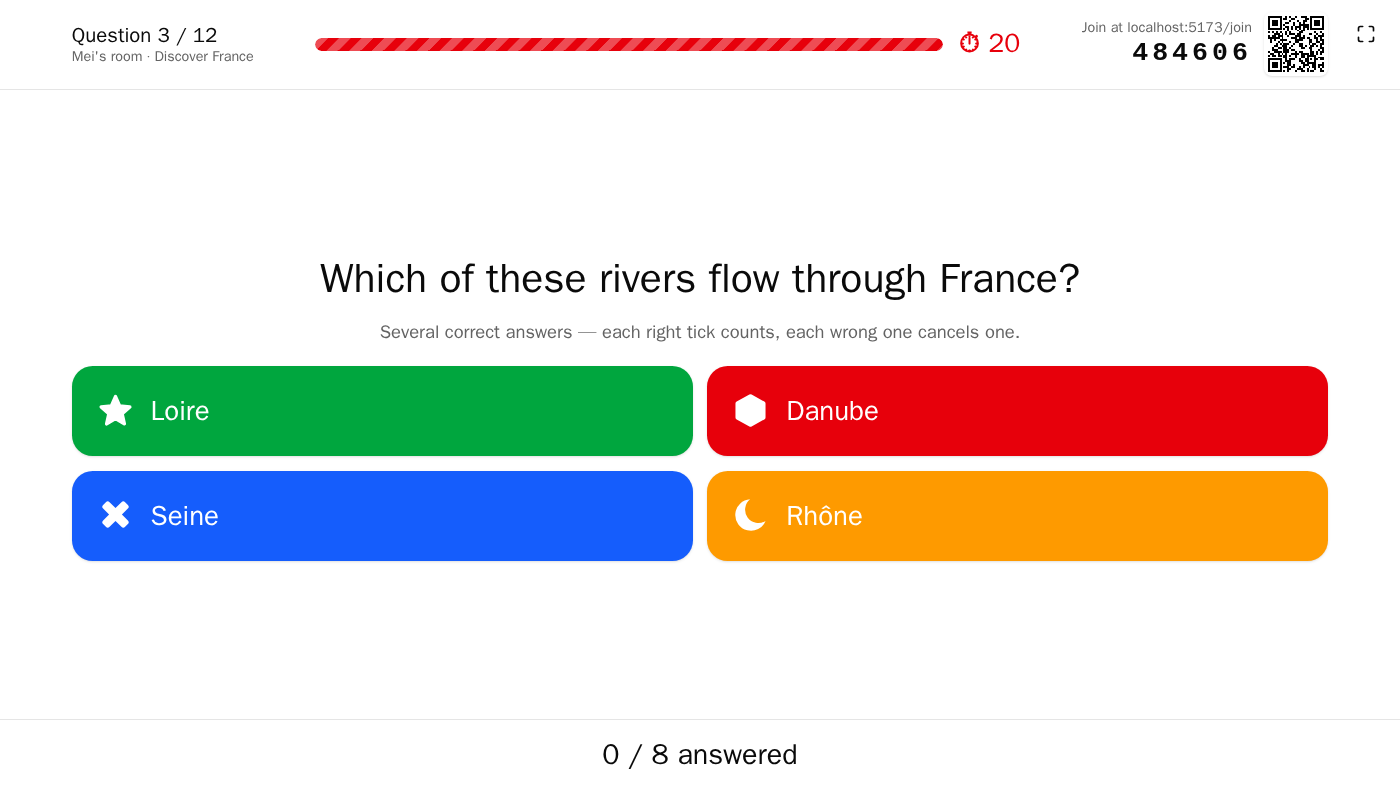
How do I keep control of the room?
- Quiz pace: Manual, or Autoplay, which moves to the next question after each result; each question has its own reveal delay, and slides advance after 5 seconds by default.
- Pause (the space bar) stops the clock; the time buttons add or remove 1 or 5 seconds.
- Close the room to new participants, before or during the quiz: nobody else gets in, even with the PIN, and those already in come back after a lost connection.
- Ban a player from the list, for 1 to 1440 minutes (5 by default): removed at once, and kept out under that nickname. Close the room as well to keep them from returning under another.
See Start a room.
Several rounds, one PIN, one podium
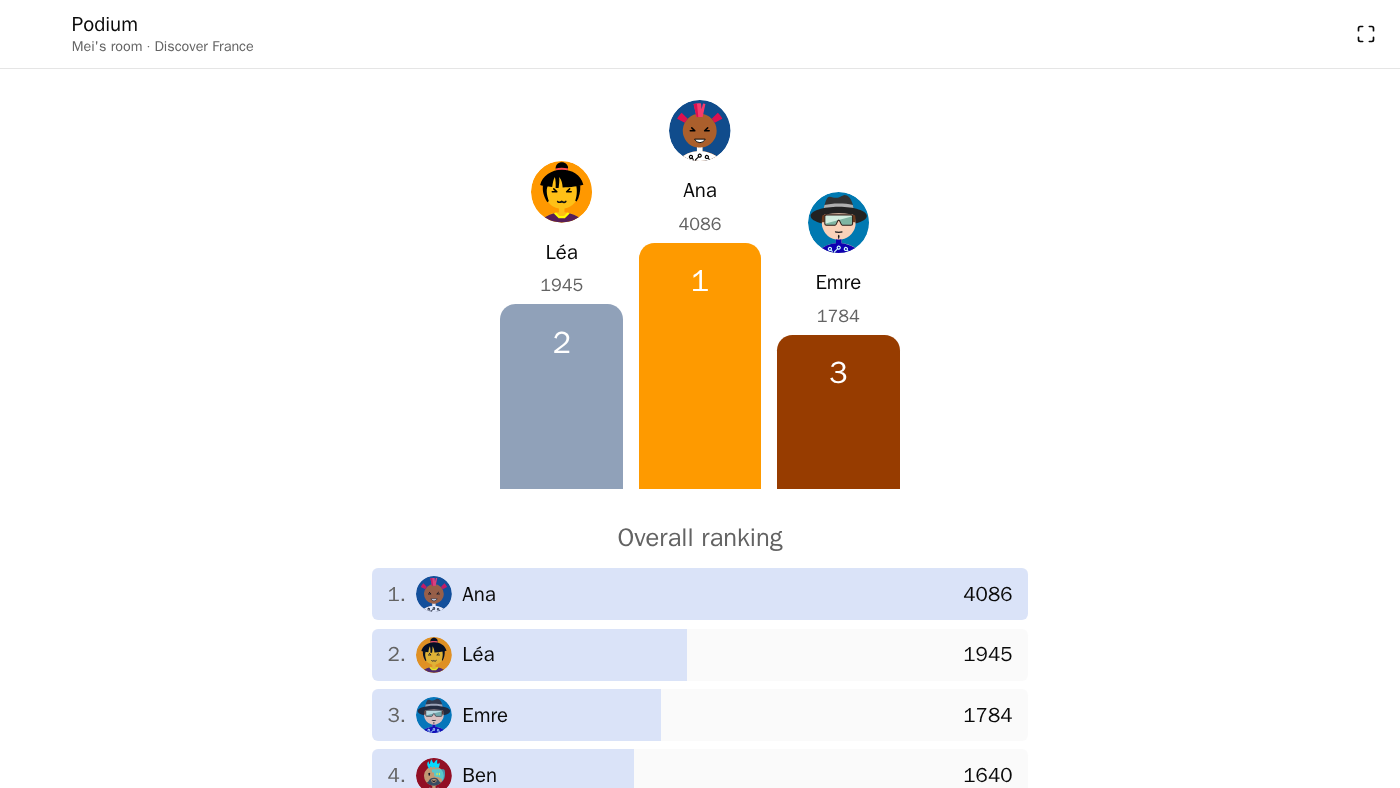
After a quiz, Next quiz starts another round in the same room: players stay, nobody types the PIN again. Each round scores from zero; between rounds the projection shows the Room standings, and the evening ends on the Room podium. Afterwards, History keeps the room’s standings and their CSV export only if every round had Personalised tracking on, which open access rules out. See Reports and history.
What about people following from elsewhere?
This part is experimental. When a quiz has sound or video, each player is asked “Where are you playing from?”: In the room or Remote. Remote players receive the question, its video and its sound on their own device; the console marks them Participating remotely, and Share the projection opens the big screen on a second device. They need an address they can reach from outside, so a public one.
Media are built and tested on Chromium-based browsers. Answers are timed when they reach the server, with no compensation for a slow connection: a distant player on a slow link loses some speed points. See Remote participants.
Questions
How many players can join one room?
QuizDock sets no cap per room. One room has been measured with 1500 simulated players: answers acknowledged in 61 ms at p95, none lost, with the backend on one 2.1 GHz core and the players simulated on the same machine, without media or real Wi-Fi (2026-09-27). Beyond 1500, nothing was measured. See Real time.
Do participants need to install an app?
No. Participants open the invitation address in their phone’s browser, or scan the QR code, then type a nickname. Without an identity provider, nobody needs an account. See Invite players.
Does it work on iPhone?
Video and sound playback is built and tested on Chromium-based browsers. In the room, by default, phones show the image and play no video: the projection carries the media.
Can several servers share the load of a big event?
No. One QuizDock instance runs on one server; live state and timers are not spread over several processes. See Sizing.
What happens if the host’s laptop drops off the network?
After 5 seconds the quiz pauses, its clock stopped, and the projection shows “Waiting for the host…”. The host has 2 minutes to come back; the quiz then resumes with the time that was left. After that the game ends and is archived as interrupted.
Can the public join an instance that uses an identity provider?
Yes, if the operator allows open access, for instance by answering “The public, a large event” in the setup wizard. The host then chooses Open access at launch: the PIN and a nickname are enough, and no individual result is kept. See Presets.